Demo
Try Zytfenster
First the way your clients see it. Then from the inside, in the admin area.
1. Book an appointment
This is the booking page of a sample practice. Click through to the confirmation. At the end, you’ll also see the email your clients would receive.
Nothing is saved or sent, promise.
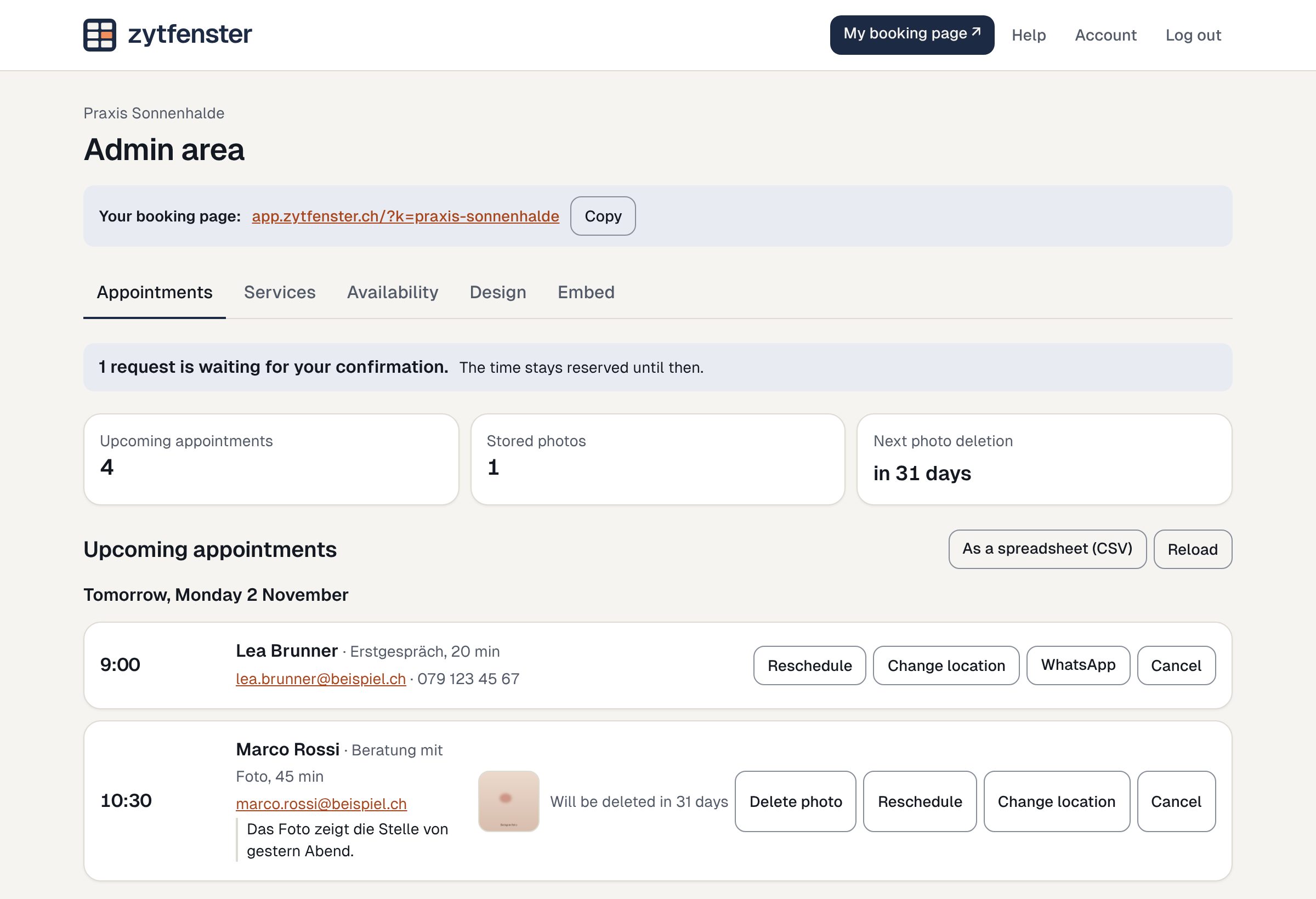
2. Look at the admin area
This is where the practice manages its appointments. The demo admin area is open, no login needed, with sample appointments. Accept a request, change a service or pick a colour. Nothing is saved or sent.
Prefer pictures first? Under Features you’ll find every section.